

Paybrain Provider
Walk in already knowing them.
The iPad app for the treatment room: your schedule, the story on every client, AI suggestions that know your menu, and forms they sign right in the chair. Free with your Paybrain account.
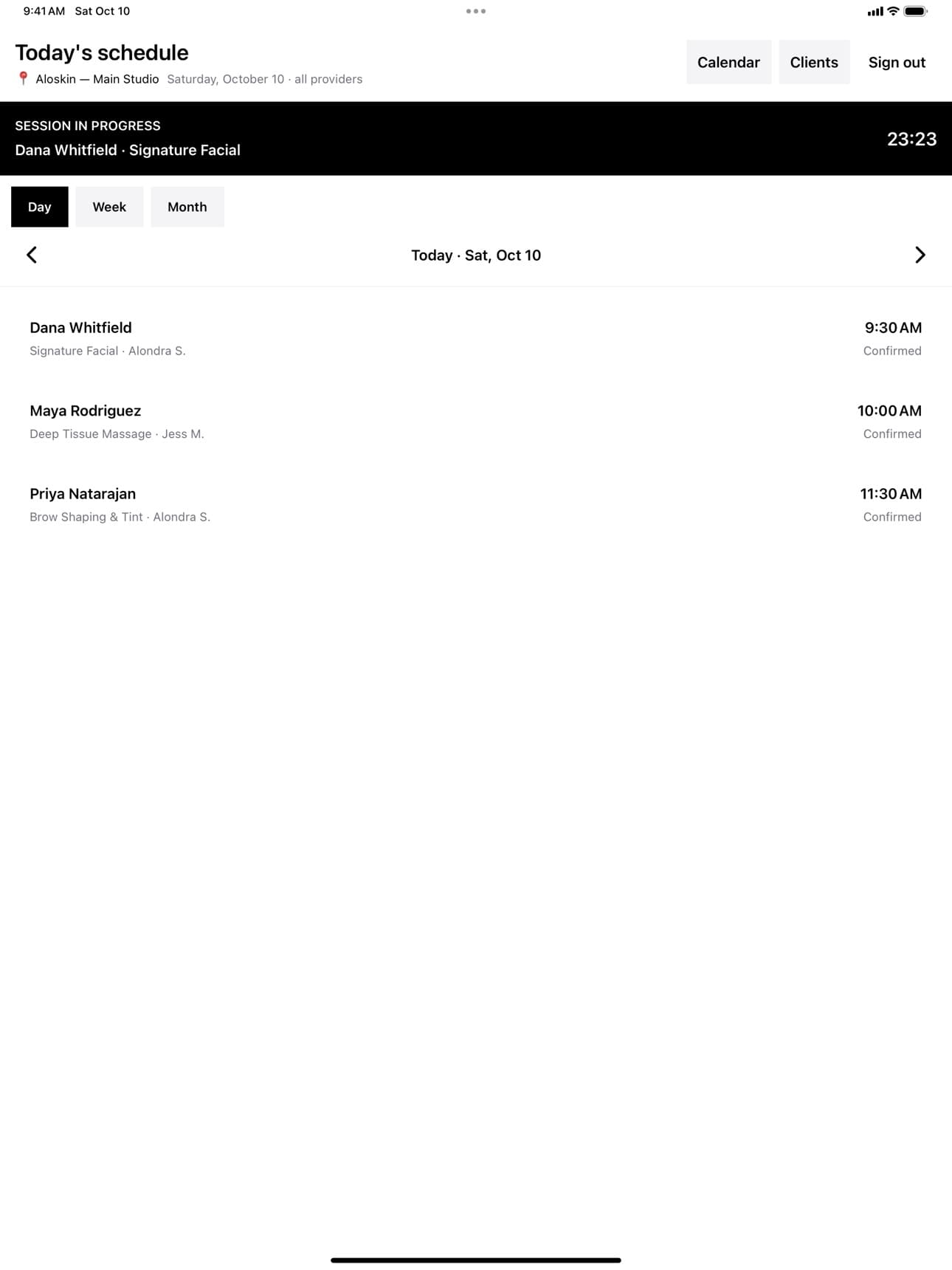
Your day
One iPad per room. Unlocked with your PIN.
Each provider taps in with their PIN and sees today’s bookings — or the week, or the month. The visit in progress stays pinned at the top, clock running.
- Day, week and month views of the schedule
- Tap the session banner to pick up where you left off
- Lock it between clients; every note stays attributed
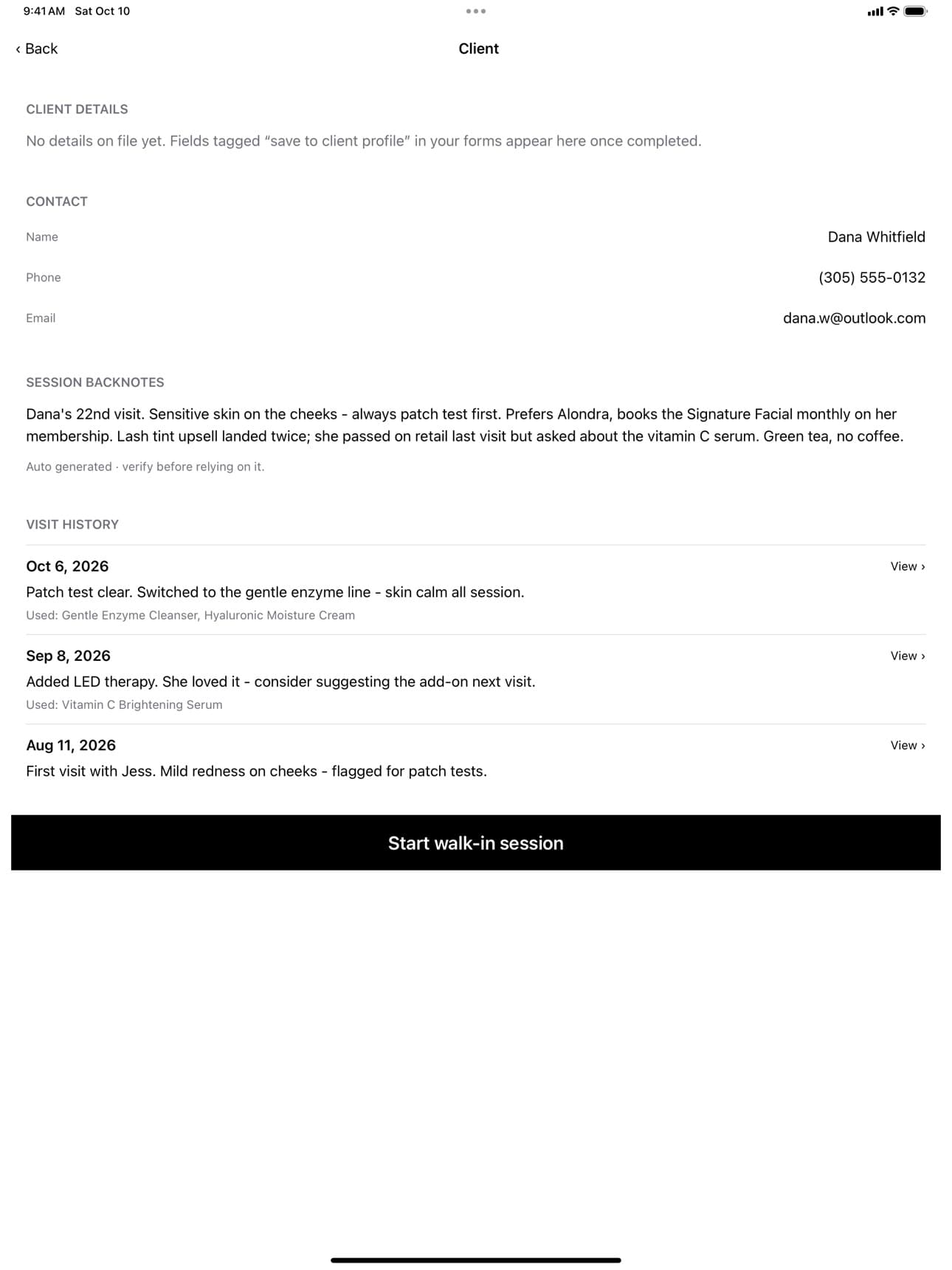
Backnotes
The short version of every visit.
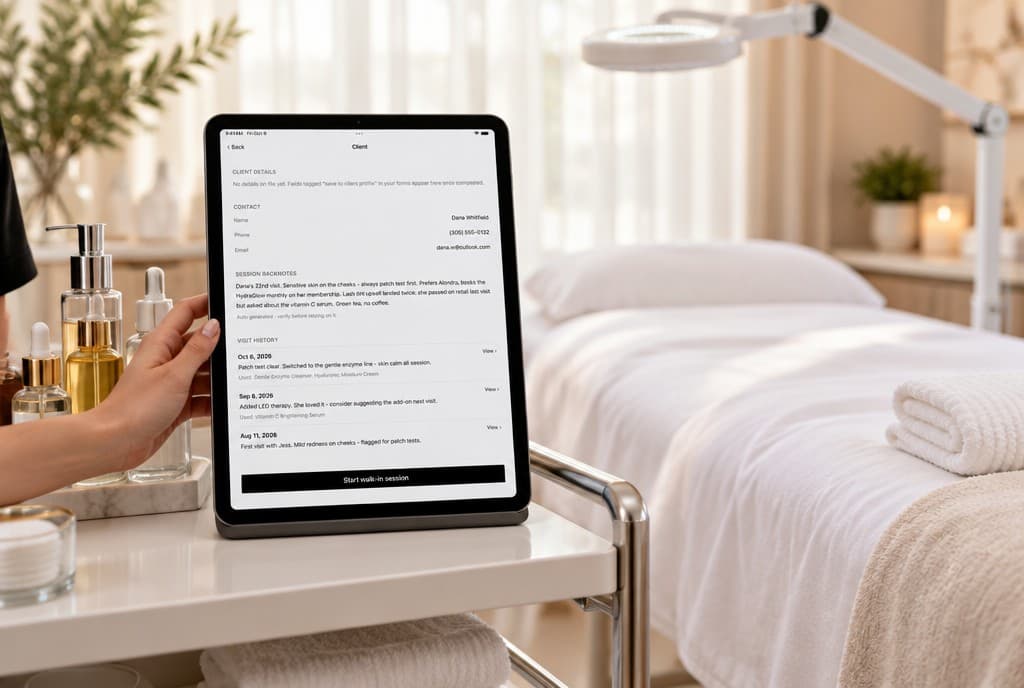
Before she sits down, AI reads her past visits, your notes and what you used, and writes the brief: what her skin reacts to, what she liked, what she asked about. Her full history is right underneath.
- A brief written from her real visit history
- Every past visit with its notes and products
- Marked as AI-written, so you know to check it
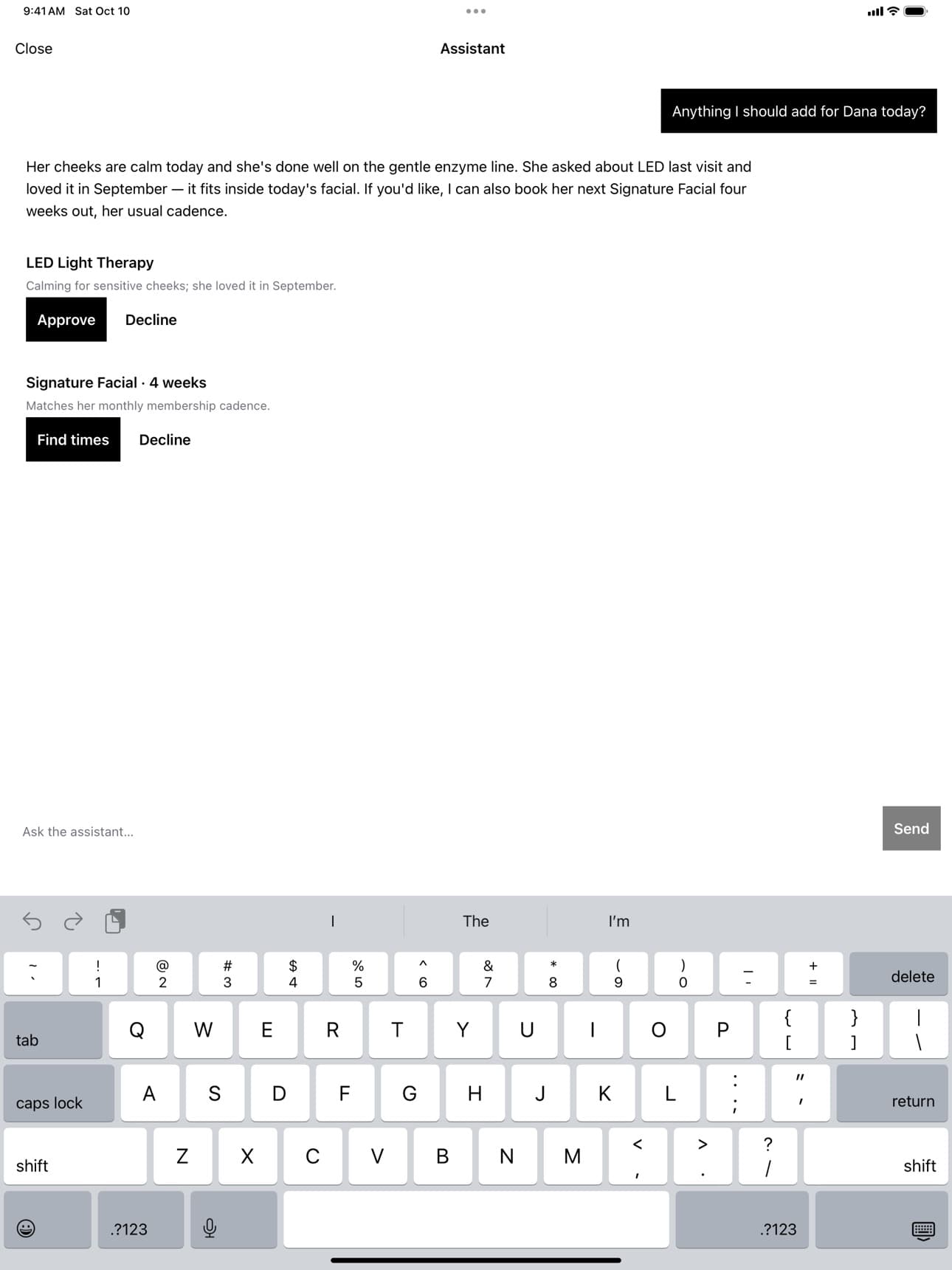
Suggestions & assistant
A second opinion that knows your menu.
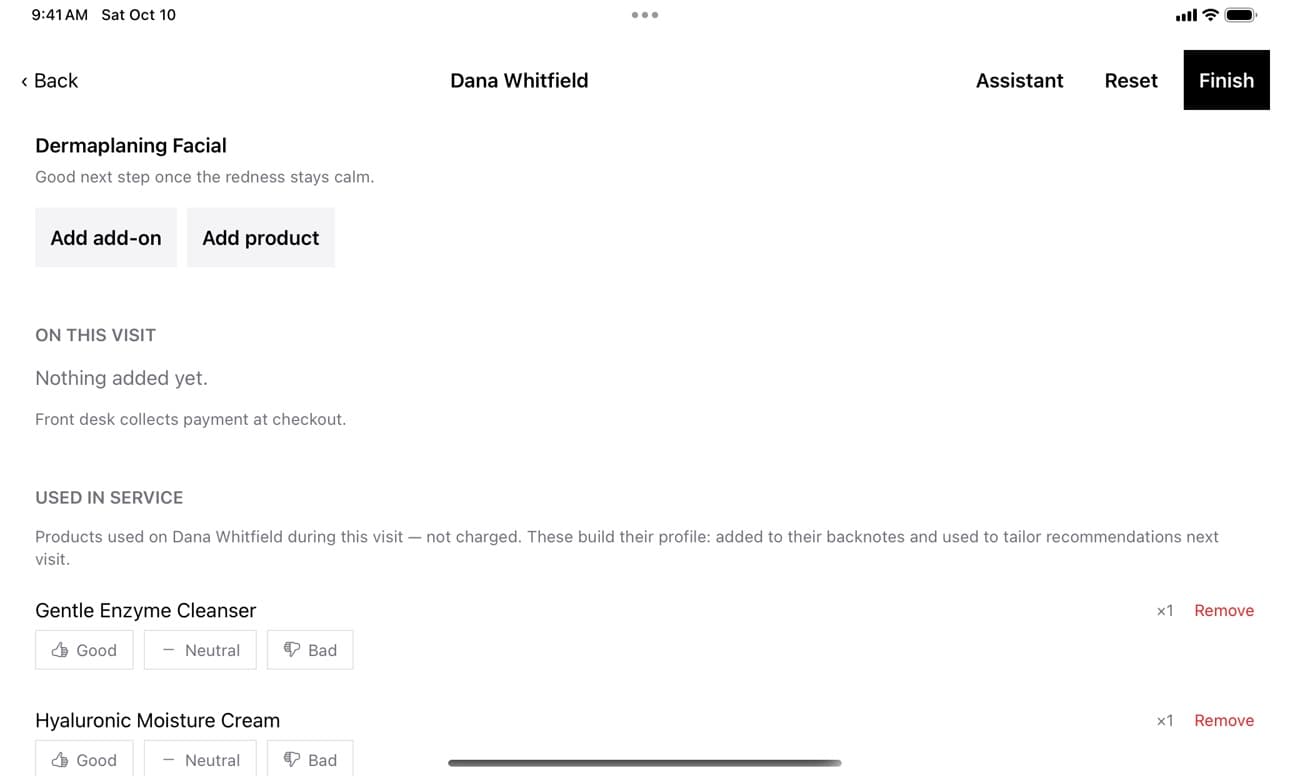
Suggestions come from her history and your actual services, add-ons and products. Ask the assistant anything mid-visit. Nothing happens until you approve it — then it’s on her visit, waiting at the front desk for checkout.
- Grounded in your real catalog, not generic advice
- Approve or decline every suggestion
- Add-ons and products ring up at the register
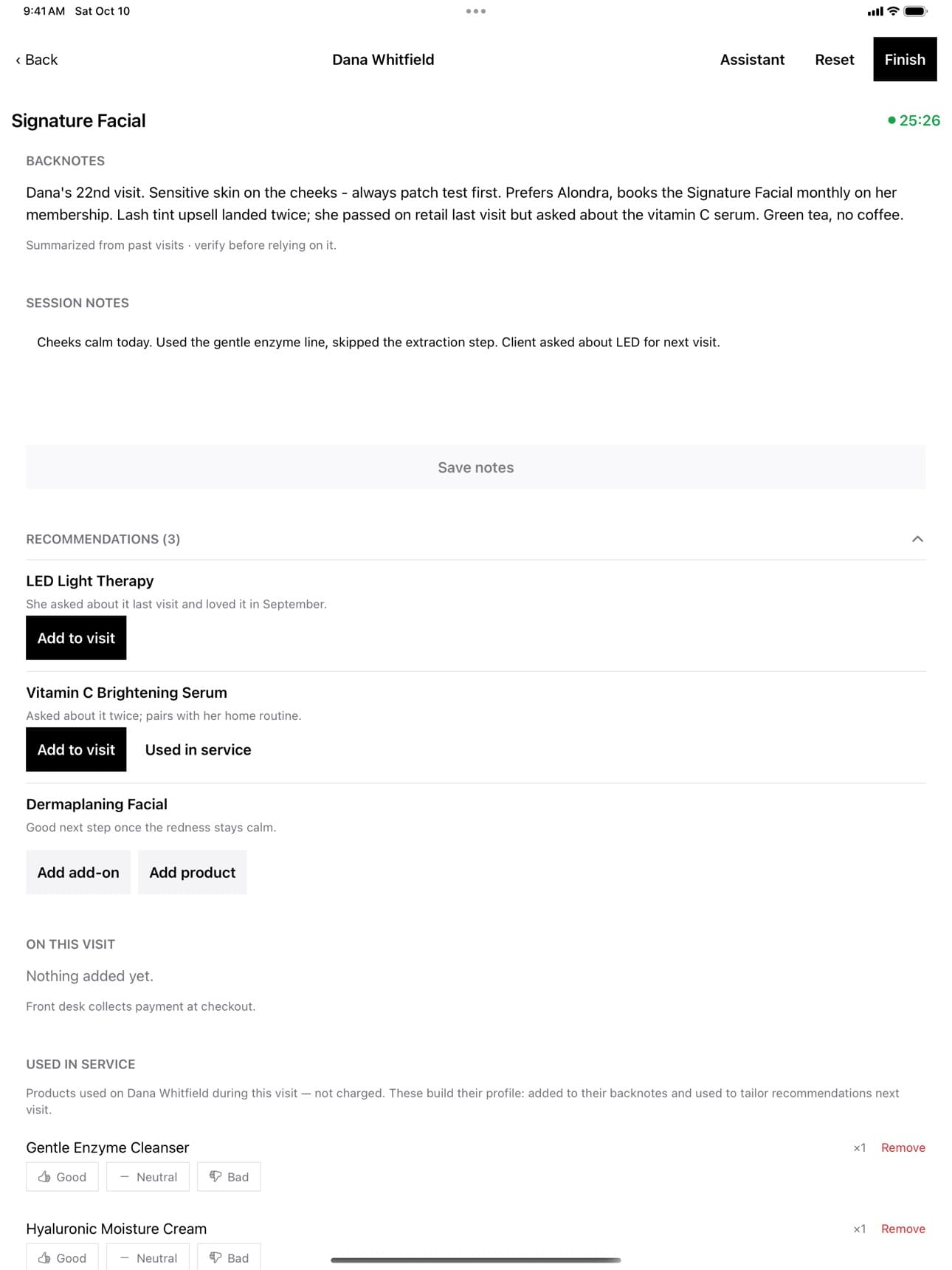
In the room
Hand her the iPad.
Forms, signed in the chair
Intake and consent forms step by step, with her signature on the glass — or send her a link to finish them before she arrives.
Before and after
Take photos from the iPad and they’re attached to the visit, right where you’ll look next time.
Rebooked before she leaves
Find her next appointment at her usual cadence and book it from the room — no trip back to the front desk.
The record
Every visit, on the record.
Finish the session and it’s saved: your notes, what you used on her and how her skin took it. Products used in service aren’t charged — they build her profile and sharpen the next round of suggestions.
Get Paybrain Provider.
Free on iPad with your Paybrain account. Sign in with the same email or phone — your schedule is already there.
Running a salon or spa? See Paybrain for salons · How Aloskin uses it