

For professionals
Invoice the job. Deliver the work. Get paid.
Designers, photographers, consultants, contractors — send the invoice, lock the finished work behind it, and let Paybrain do the chasing. The money and the files change hands at the same moment.
Branded invoices paid by card or wallet
Files that unlock the moment the client pays
Retainers on autopay — plus Tap to Pay on the job
No more “I’ll send it when the check clears.”
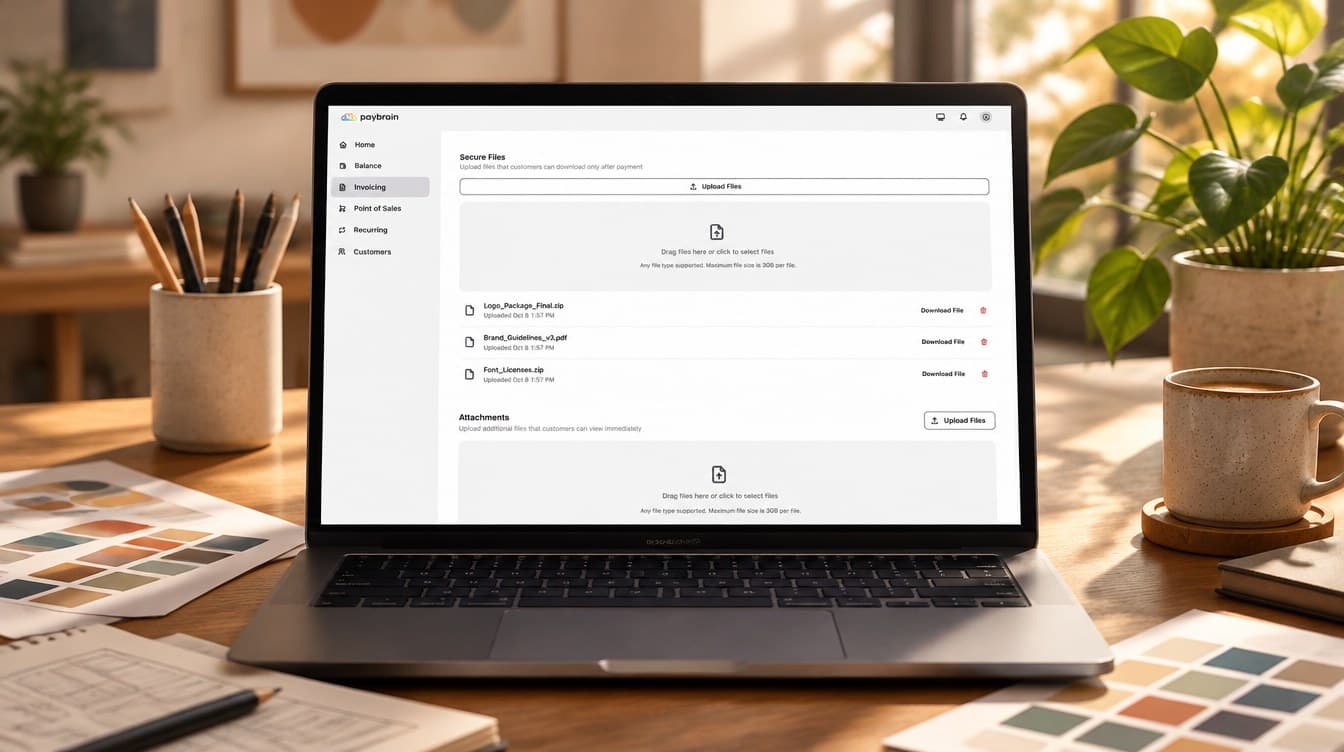
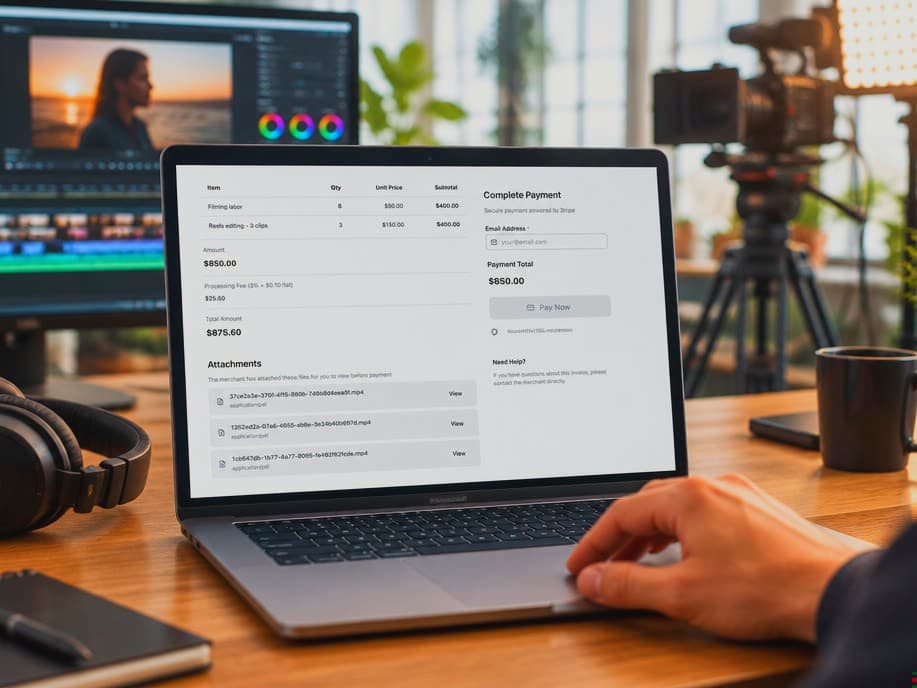
Attach a preview they can open now, and lock the finals and private links behind payment. The server keeps them sealed; when the invoice is paid they unlock on the spot and the download link lands in the client’s inbox.
Locked files and links, enforced server-side Premium
Any file type — up to 3 GB per file on Premium
Need their logo or a contract back? Clients can send files after paying
Stop being the bill collector.
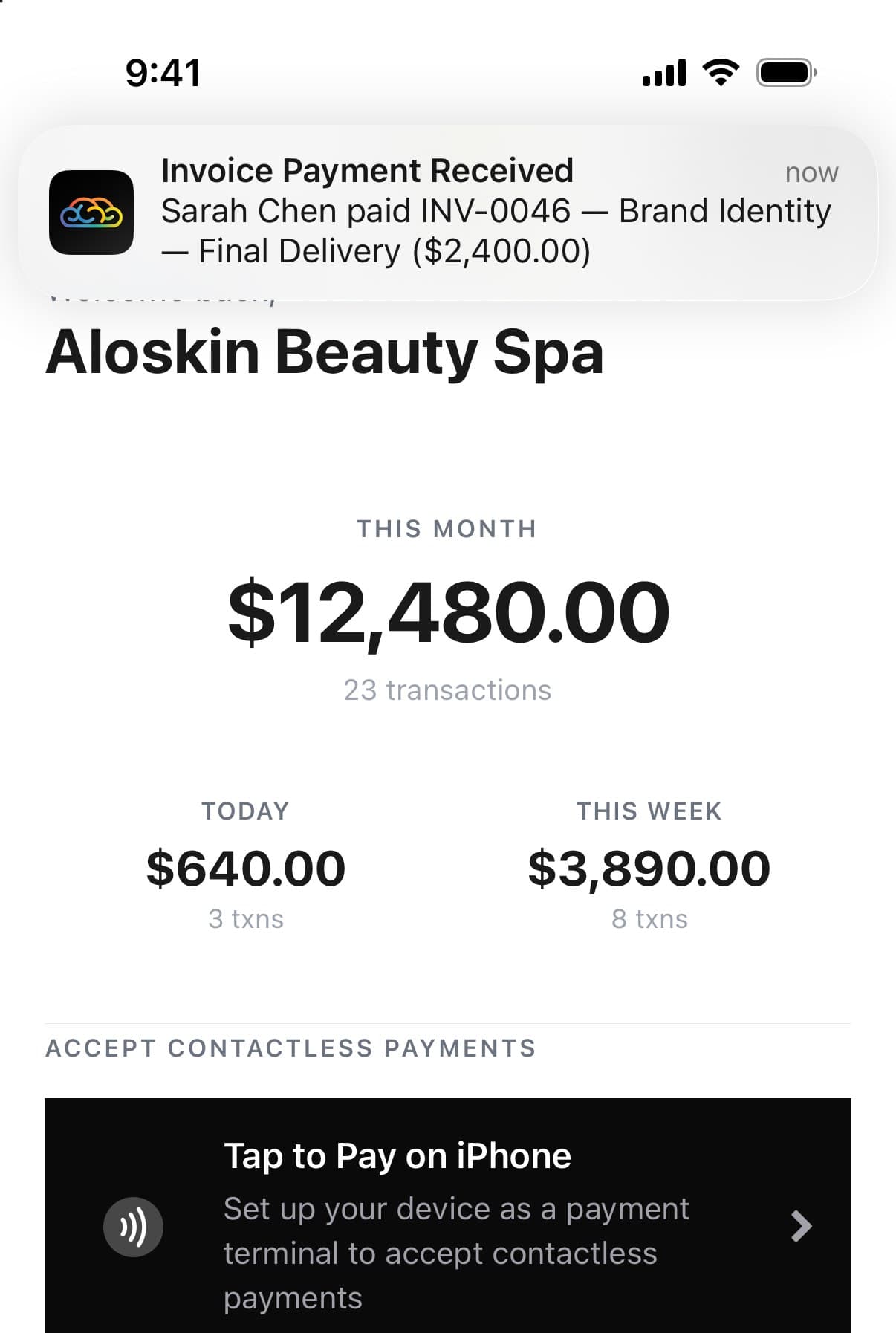
Unpaid invoices get a reminder at 3, 7 and 14 days — from the system, not from you. Failed payments get a nudge to try again. And when the money lands, your phone tells you first.
Automatic reminders on unpaid invoices
A push notification the moment you’re paid
Build, send and track invoices from your phone
Retainers that bill themselves.
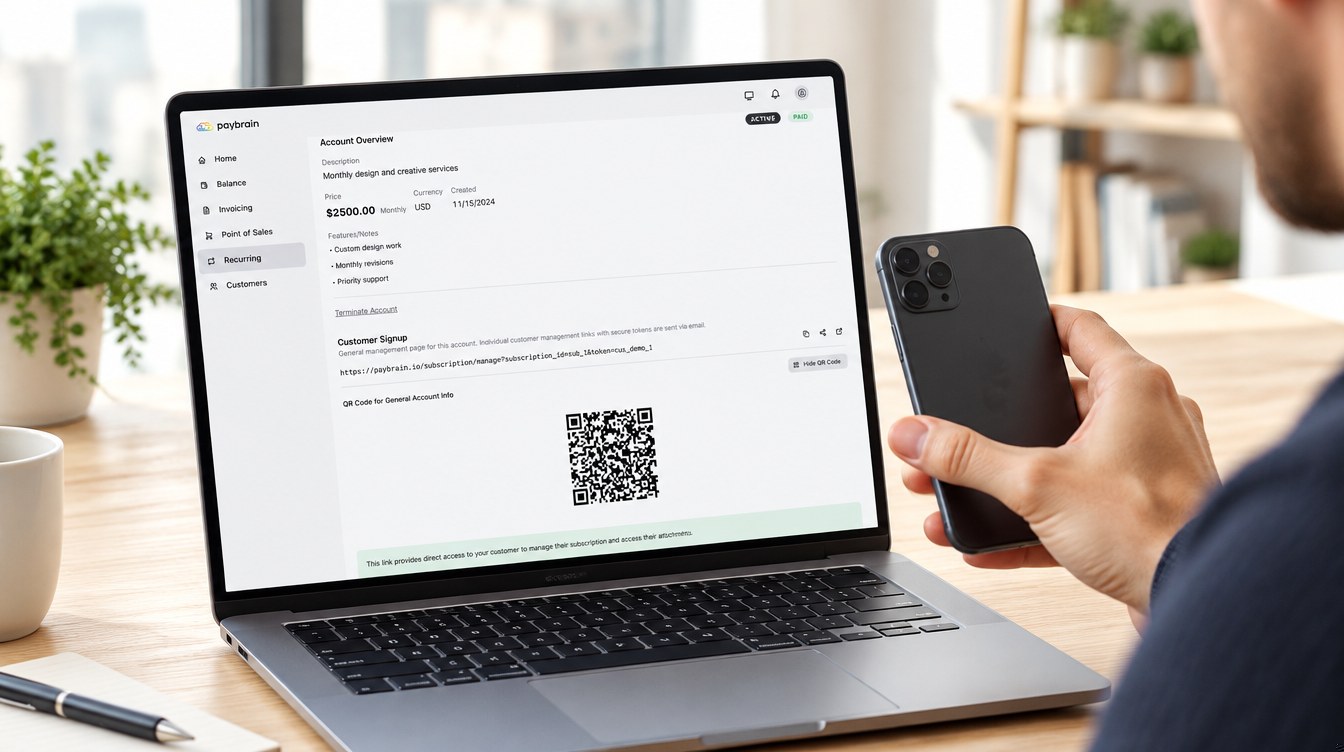
Set up a weekly, monthly, quarterly or yearly plan in about a minute. Your client signs up from an email link or a QR code, the card goes on file, and every cycle charges itself with a receipt.
Weekly to yearly billing (monthly on the free plan)
Sign-up by link, QR, or a card tap on your phone
Receipts every cycle; clients can cancel themselves

On the go
Invoice from the job site.
Shoot the finished work, write the invoice before you leave the driveway, and send it from the Paybrain app. Attach the before-and-afters, the estimate and the warranty straight from your phone — and lock the finals until it’s paid.
Build and send invoices from iPhone or Android
Attach photos and documents from your phone’s files
Your phone buzzes the moment the client pays
Paid before you pack up the tools.
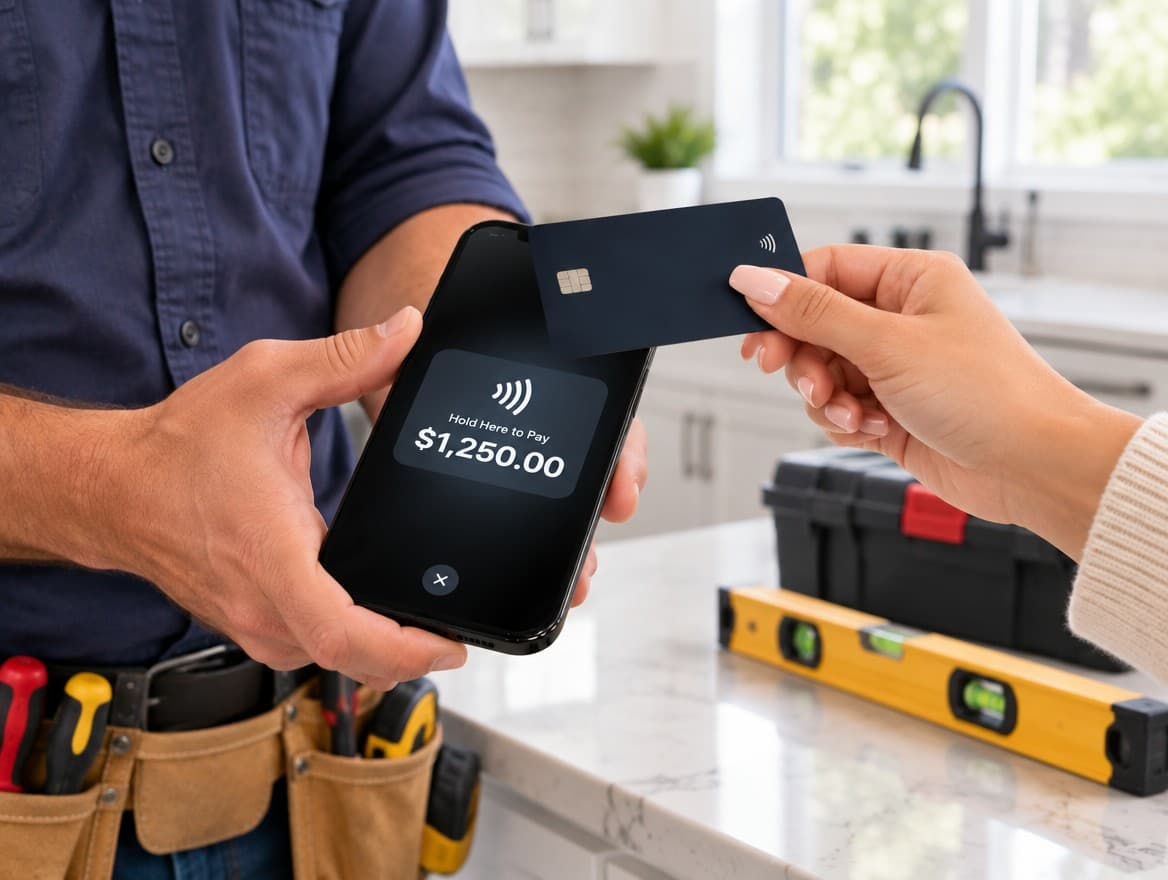
On site with the client? Key in the amount and they tap their card or phone on yours. No reader to carry, nothing to plug in — the money goes to the same account as your invoices.
Bill like the big shop.
Free to start — no monthly fee. Pay only processing on what you collect.